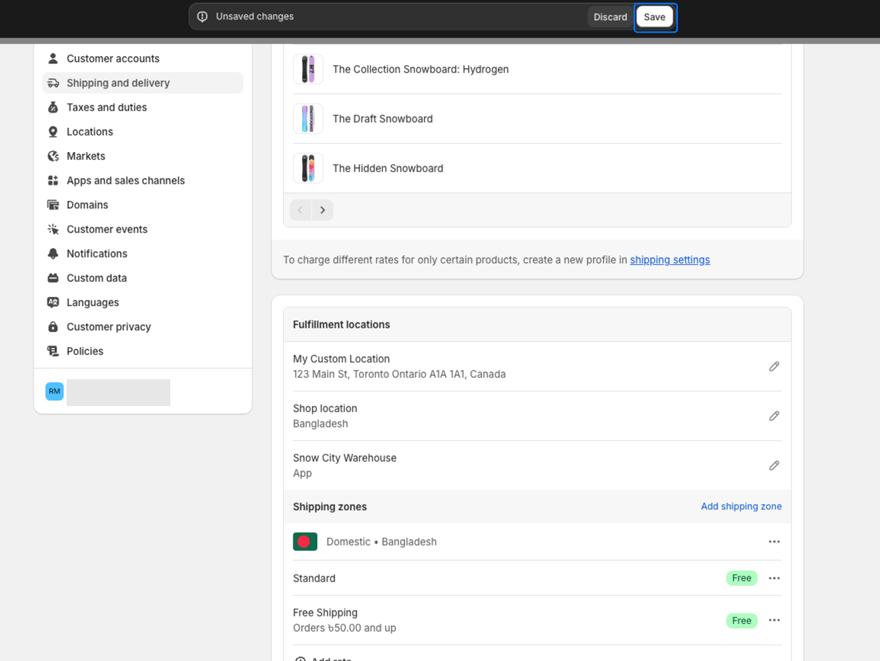
Before using GP Free Shipping Bar, you need to configure free shipping rules in your Shopify store. This ensures that when customers reach your free shipping threshold, the discount is automatically applied at checkout.
Important: The app relies on Shopify’s free shipping settings. Without configuring these rules, the progress bar will display but customers won’t receive free shipping automatically.
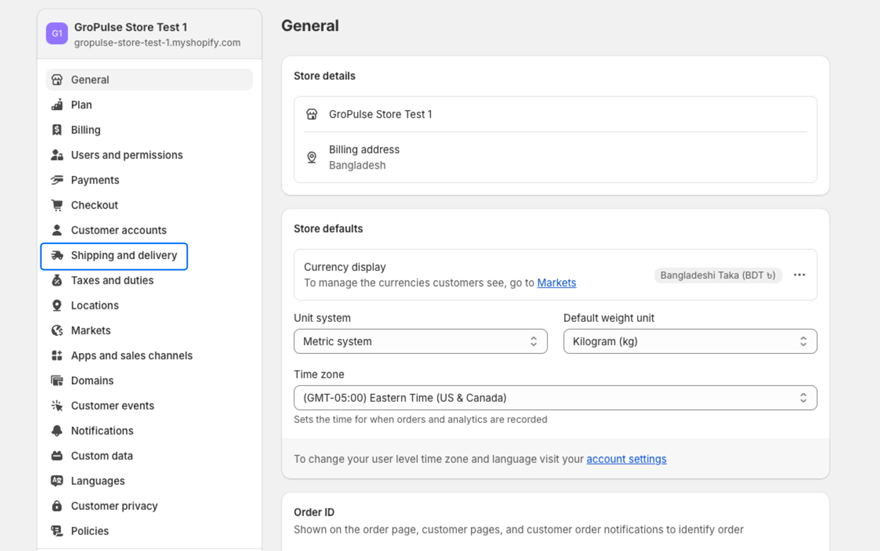
From your Shopify admin, go to Settings → Shipping and delivery.
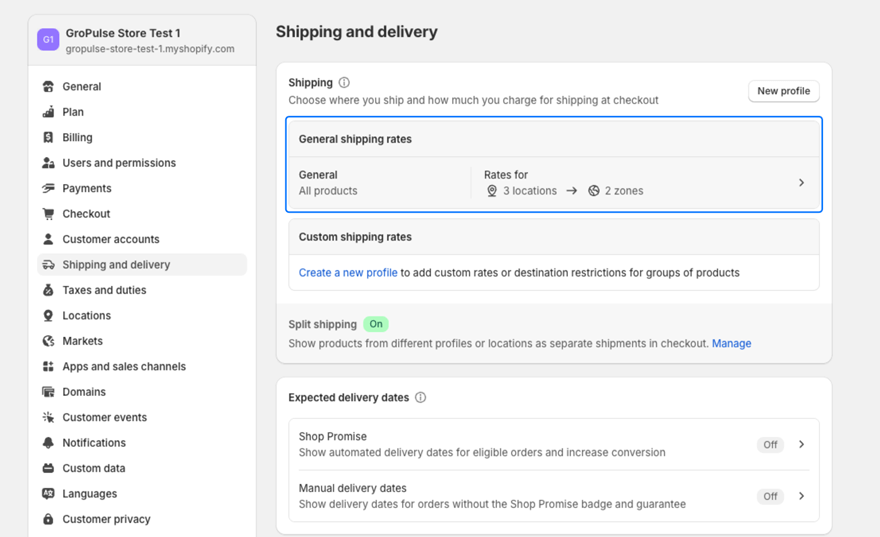
Under the shipping profile you want to configure, click on Manage rates.
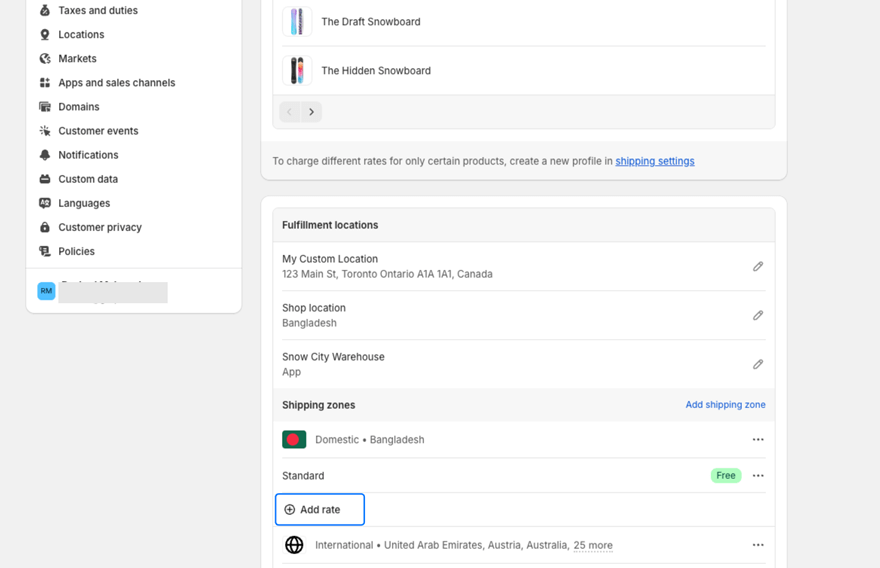
Click Add rate to create a new shipping option.
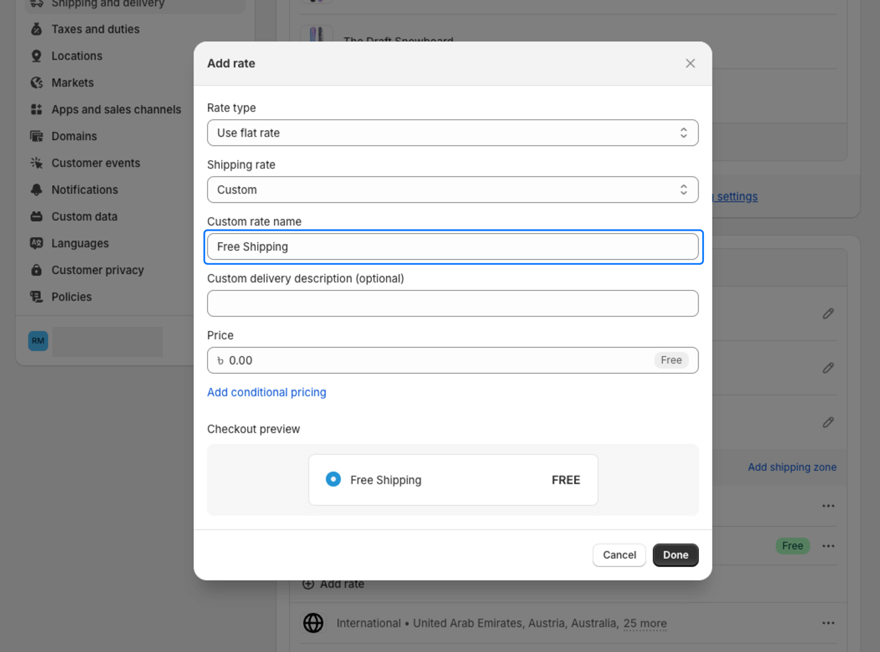
Enter a descriptive name for your free shipping rate (e.g., “Free Shipping”).
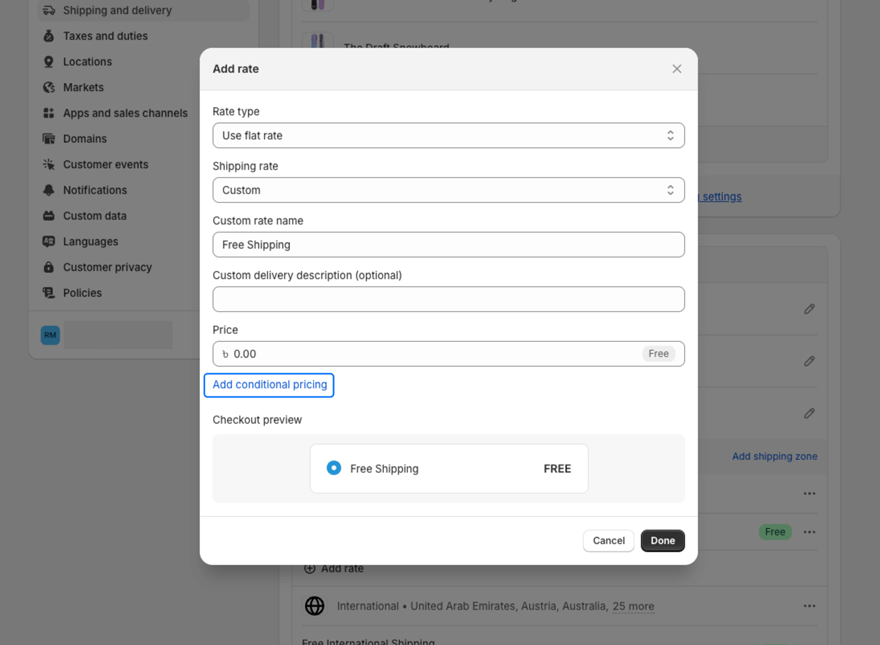
Click Add conditions (or Add conditional pricing) to set a minimum order requirement.
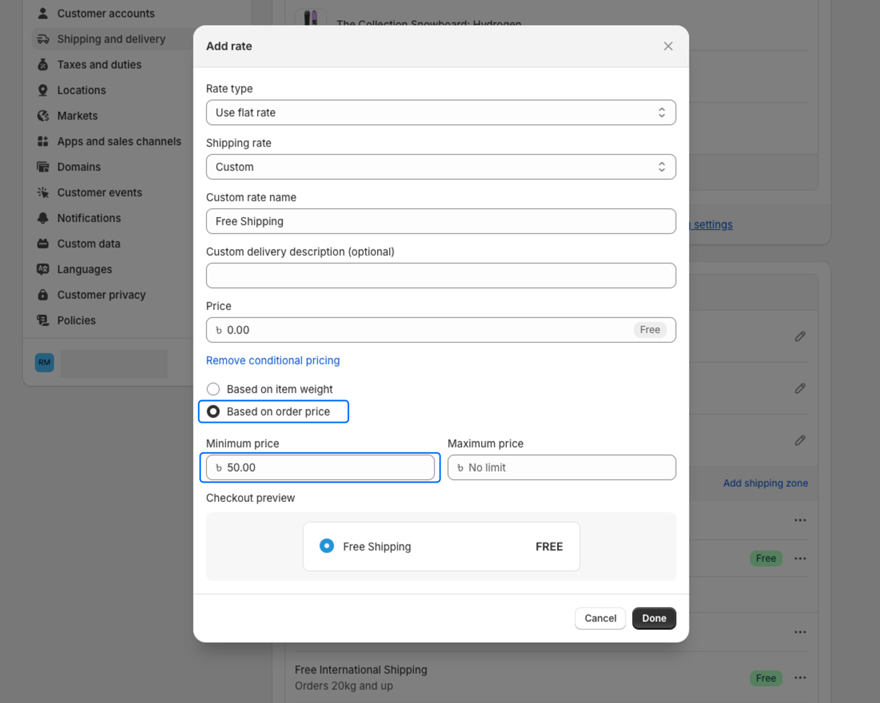
Select Based on order price, then enter the minimum order value that qualifies for free shipping (e.g., $50).
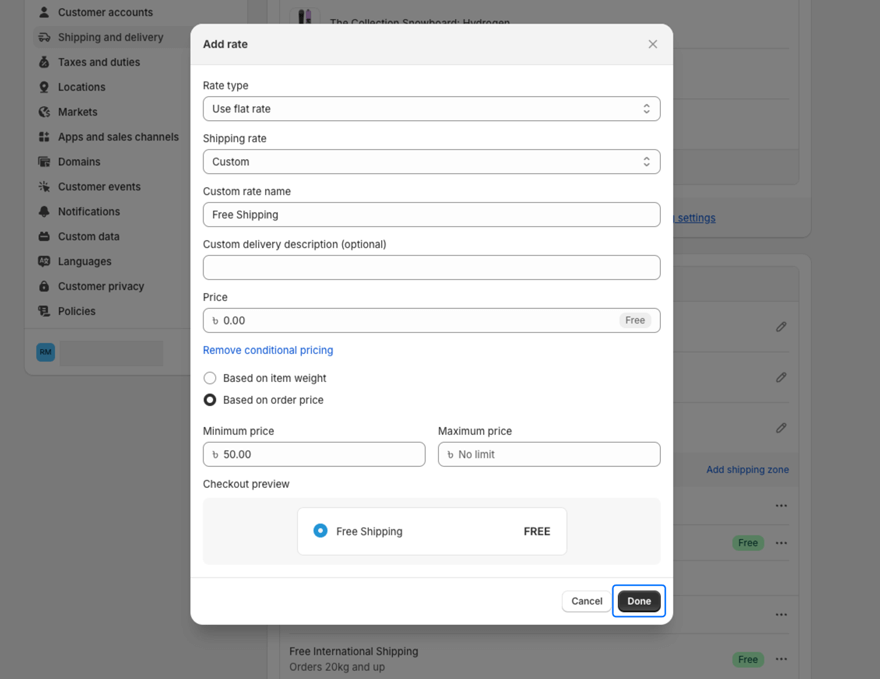
Click Done to apply the conditional pricing.
Finally, click Save to confirm and save all changes.